


How to Set Up ChatGPT Ads the Right Way (Conversion Tracking, Targeting & Creative Tips)
First, Set Up Your Conversion Tracking Correctly
This is where I see most people mess up, so I want to start here.
When you go into the OpenAI Ads Manager and click on the Conversions tab, you'll see three things: data source, conversion events, and event stream. Here's what you need to understand about how these work together.
When you create a data source, that's what gives you your actual pixel code. You then create conversion events that are tied to that data source. Simple enough. But here's the catch — these conversion events don't have any Boolean logic or page URL filtering built in. That's a problem, and I'm going to show you why.
Let's say you create a data source called "TNV Website Visit," grab the pixel code, drop it into Google Tag Manager as a custom HTML tag, and set the trigger to fire on all pages. That's what most people do. Then they go back into ChatGPT Ads, create a conversion event, pick something like "page viewed" or "trial started," tie it to that website visit data source, and call it done.
The issue? That pixel fires on every single page. So if someone lands anywhere on your site from a ChatGPT ad, it counts as a conversion. That's not a conversion. That's just a visit.
Here's How You Actually Fix It
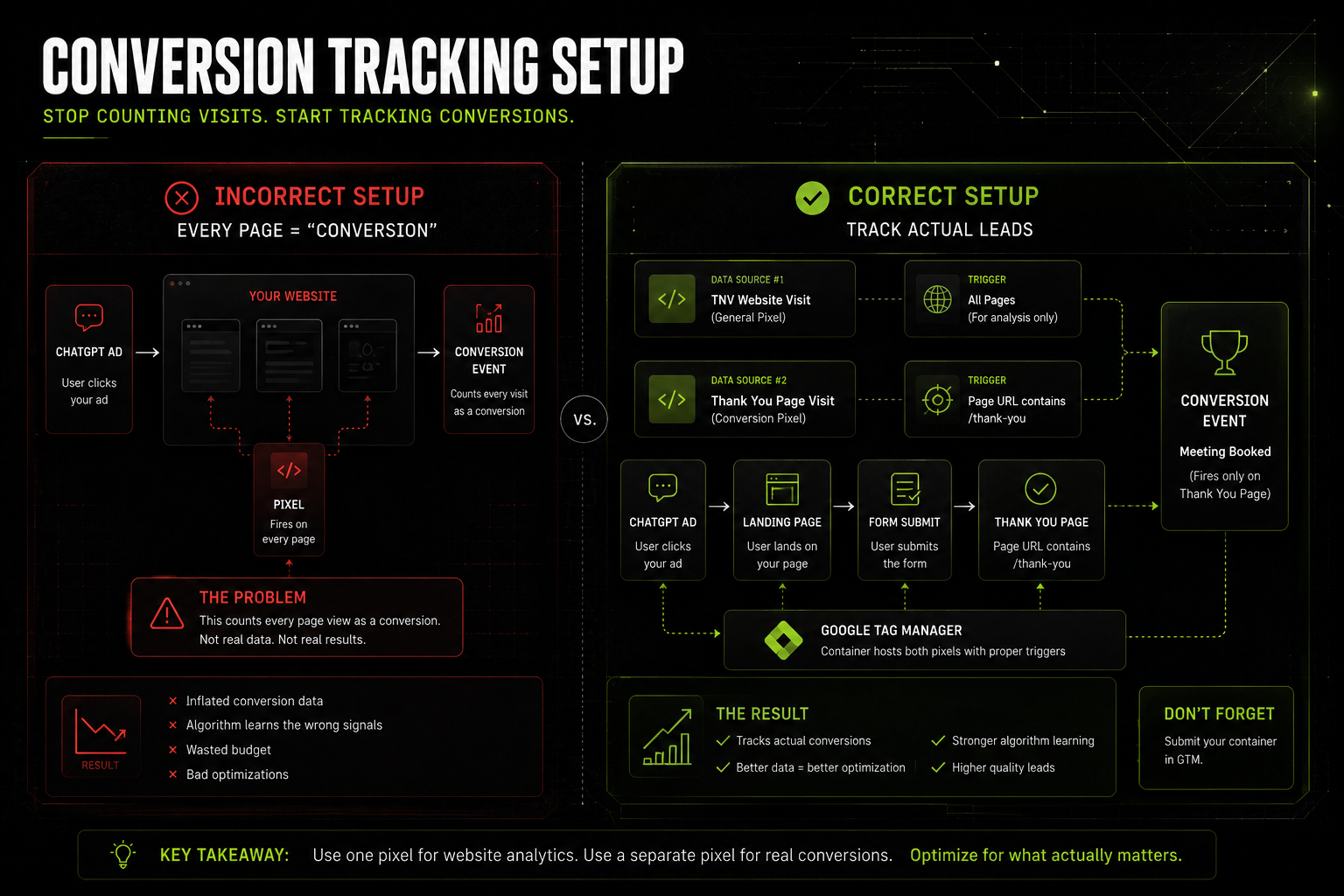
Create a second data source. Call it something like "Thank You Page Visit." Go back into Google Tag Manager, create a new custom HTML tag with that second pixel code, and this time when you set up the trigger, you create a new trigger that only fires on pages where the page URL contains /thank-you — or whatever your confirmation page URL is.
Now when you go back into ChatGPT Ads and create your conversion event, you call it something like "Meeting Booked" and you tie it to your Thank You Page Visit data source, not your general website visit source. That way, it only fires when someone actually completes a form and lands on that confirmation page.
Then when you're inside your campaign settings, you swap out any generic website visit conversion event for this specific one. That's what you want your campaigns optimizing toward.
Don't forget to submit your container in GTM once you're done. I've seen a lot of people get tripped up on that last step.
How Bidding Works (and Why People Are Struggling to Spend)
Before I get into targeting, I want to quickly cover bidding because it directly affects how your ads show up.
ChatGPT Ads currently runs on a max cost-per-click model. You set a bid, and when someone's conversation matches your targeting and your ad wins the auction, you pay that amount if they click. The higher your max CPC bid, the more likely your ad is to show. But obviously, a higher bid also means you're spending more per click when it does show.
Here's what's interesting: I've seen advertisers allocate hundreds of thousands of dollars to their campaigns and then struggle to even spend it, even with extremely high max CPC bids. The reason is simple. Clicking on ads inside a chatbot is a brand new behavior for most people. They're just not used to it yet. The platform is still very early and the algorithm is still learning.
So don't panic if you're not spending your budget quickly. Start with a reasonable CPC bid in the $3 to $5 range, keep your daily budget modest, and let it breathe. This is not a platform where you want to throw a massive budget at something before you understand how it performs.
Targeting: The Niche vs. Broad Framework
This is something I don't see anyone talking about, and I think it's the most important thing to get right.
ChatGPT Ads targeting right now is built around context hints. Basically, a short description of your brand or offering that tells the algorithm when your ad is relevant to show. Think of it like a combination of a Google broad match keyword and an audience signal. You're not picking keywords or demographic buckets. You're describing who you are and what you do, and the algorithm matches that to conversations in real time.
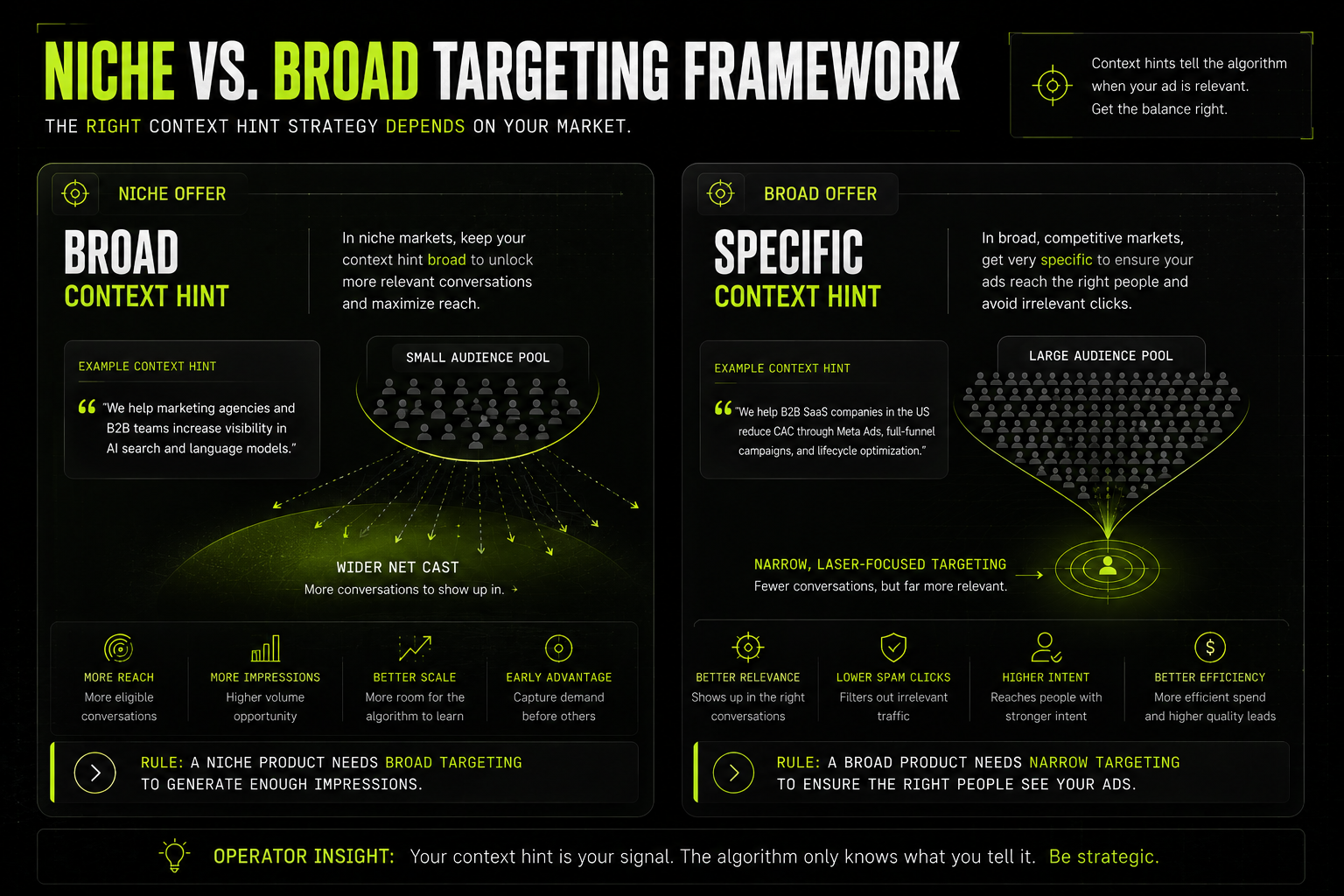
If You're in a Niche Space, Keep Your Context Hint Broad
One or two sentences max. Something short and general that captures the category you play in. Why? Because if you're too specific in a niche market, you're going to limit the number of conversations your ad is eligible to show in. The volume just isn't there. A broad context hint gives the algorithm more room to find relevant moments for you.
If You're in a Broad, Competitive Space, Get Very Specific
Four to six sentences that describe the exact circumstances you work with. The specific industry, the type of company, the specific problem you solve. If you're a Meta Ads agency and you leave your context hint as "we run Facebook ads," you're going to get delivery on every remotely relevant conversation and a ton of spam clicks that waste your budget.
The way I think about it: a niche product needs broad targeting to generate enough impressions. A broad product needs narrow targeting to make sure the right people are actually seeing it.
What Your Ads Should Actually Look Like
Okay, last thing. Let's talk about the creative itself.
The platform gives you up to 50 characters for your title. I recommend staying under 40. Here's why: these ads are going to be served on mobile more and more as the platform grows, and at 50 characters your title is already getting cut off in the preview. You don't want your most compelling line to be the thing that gets truncated.
Lead your title with your call to action. Don't bury it. Think about how LinkedIn's right-rail ads work. It's a quick, punchy line with a brand image. That's essentially what you're building here.
Keep Your Image Clean
Your logo, your brand colors, or client logos you work with. If you can visually represent your call to action somehow, even better. But do not load the image up with text. The image renders small in-conversation and anything text-heavy becomes illegible. Let your headline and description do the messaging work. The image is there to create visual recognition.
Add UTM Parameters to Every Single Ad URL
This is something a lot of people are going to miss when they're just getting started. GA4 is getting better at tracking AI-driven traffic natively, and ChatGPT is working on integrations with third-party measurement platforms. But right now, if you don't have UTMs on your links, you're not going to be able to properly attribute those visits in your CRM or your analytics. You can just hop into Claude or ChatGPT and ask it to generate the UTMs based on your campaign details. Attach them to your destination URL and you're good to go.
The Short Version
ChatGPT Ads are new, the behavior around clicking on them is still forming, and the platform itself is still being built out. But that's exactly why now is the right time to get in and learn it. The advertisers who figure this out early, who understand how conversion tracking actually works, who think strategically about their context hints, who build clean ads that work on mobile, those are the ones who are going to have a real advantage when the platform matures.
Set it up right from the start, keep your budgets lean while you learn, and don't expect this to perform like Google or Meta right out of the gate. Give it time, and give it the right foundation.
Written By:
.avif)
If you're looking for B2B SEO or Paid Media expertise, then you've come to the right place.
I am a freelance consultant that works with B2B companies to install systems & cutting edge tactics to improve performance and win more pipeline for your team.
If you like what you read, I strongly recommend watching some of my YouTube content or following me on LinkedIn.

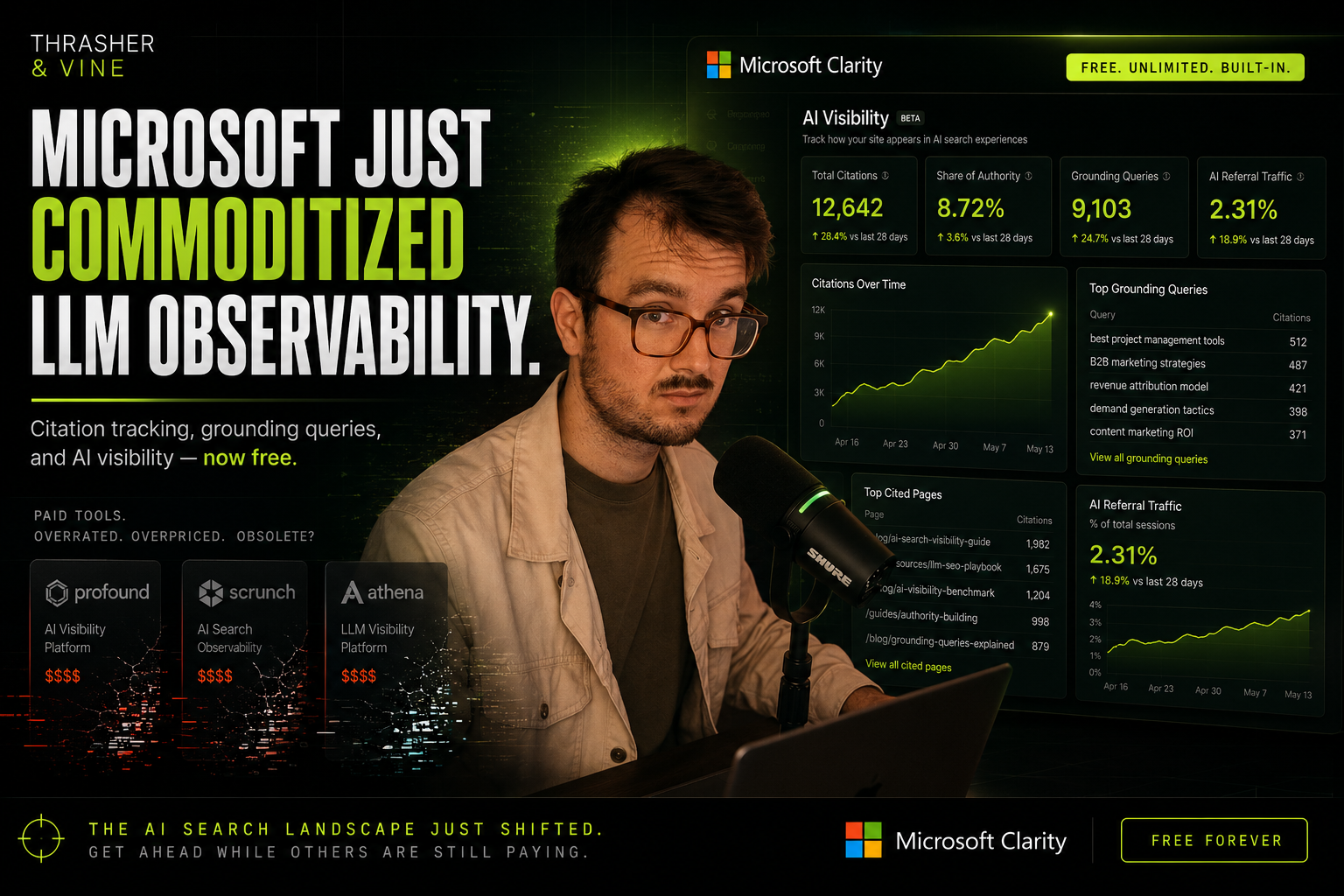


Microsoft Clarity Just Quietly Killed a Bunch of LLM Observability Tools
Microsoft Clarity just shipped a feature that wipes out a big chunk of the LLM observability market overnight — and most marketers haven't even noticed yet.
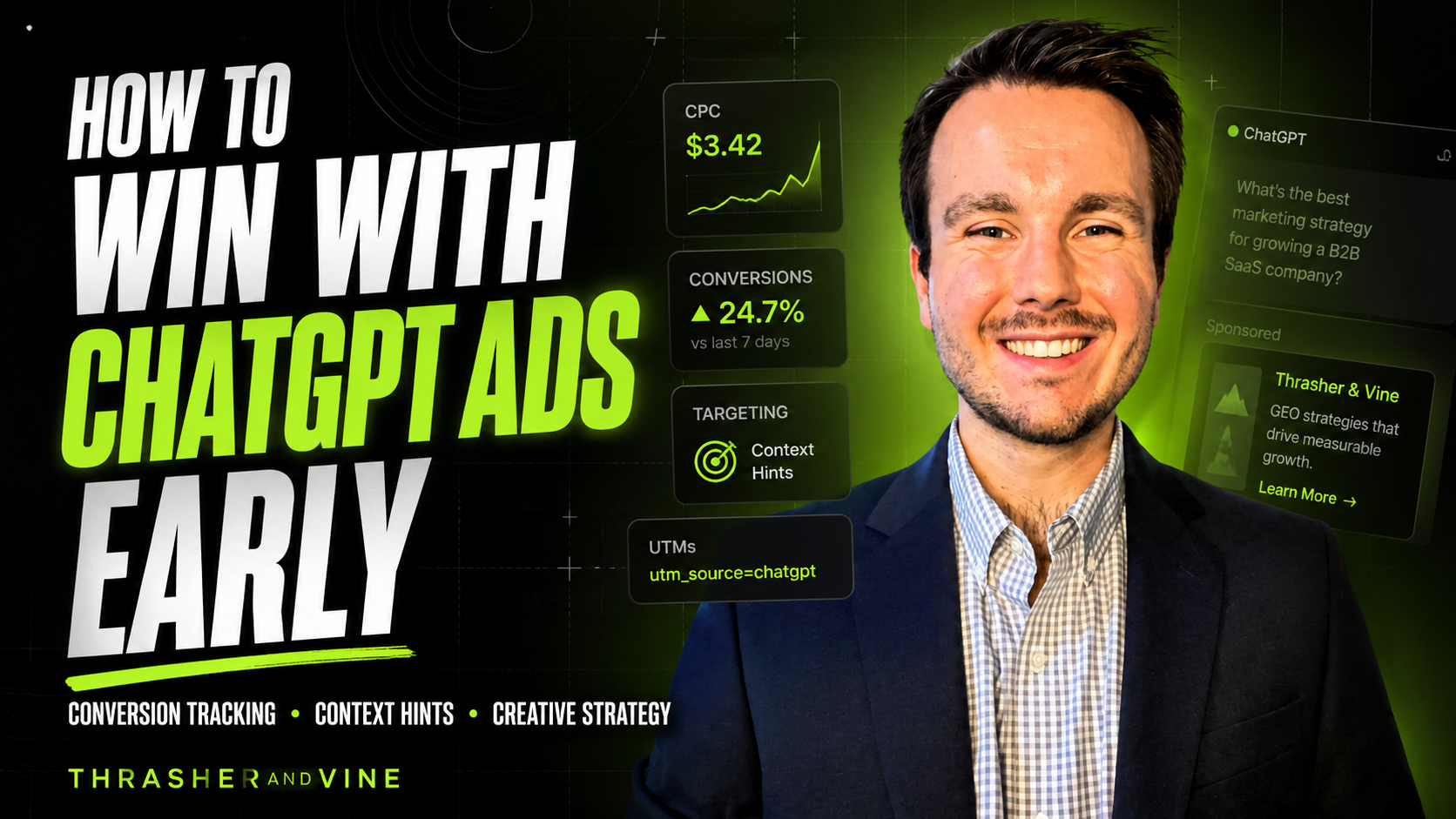
How to Set Up ChatGPT Ads the Right Way (Conversion Tracking, Targeting & Creative Tips)
ChatGPT Ads just opened up to the public as of mid-May 2026 and I've already been inside the platform testing it. In this post, I'm going to walk you through exactly how to set up your conversion tracking, how to think about targeting and bidding, and what your actual ads should look like. Let's get into it.
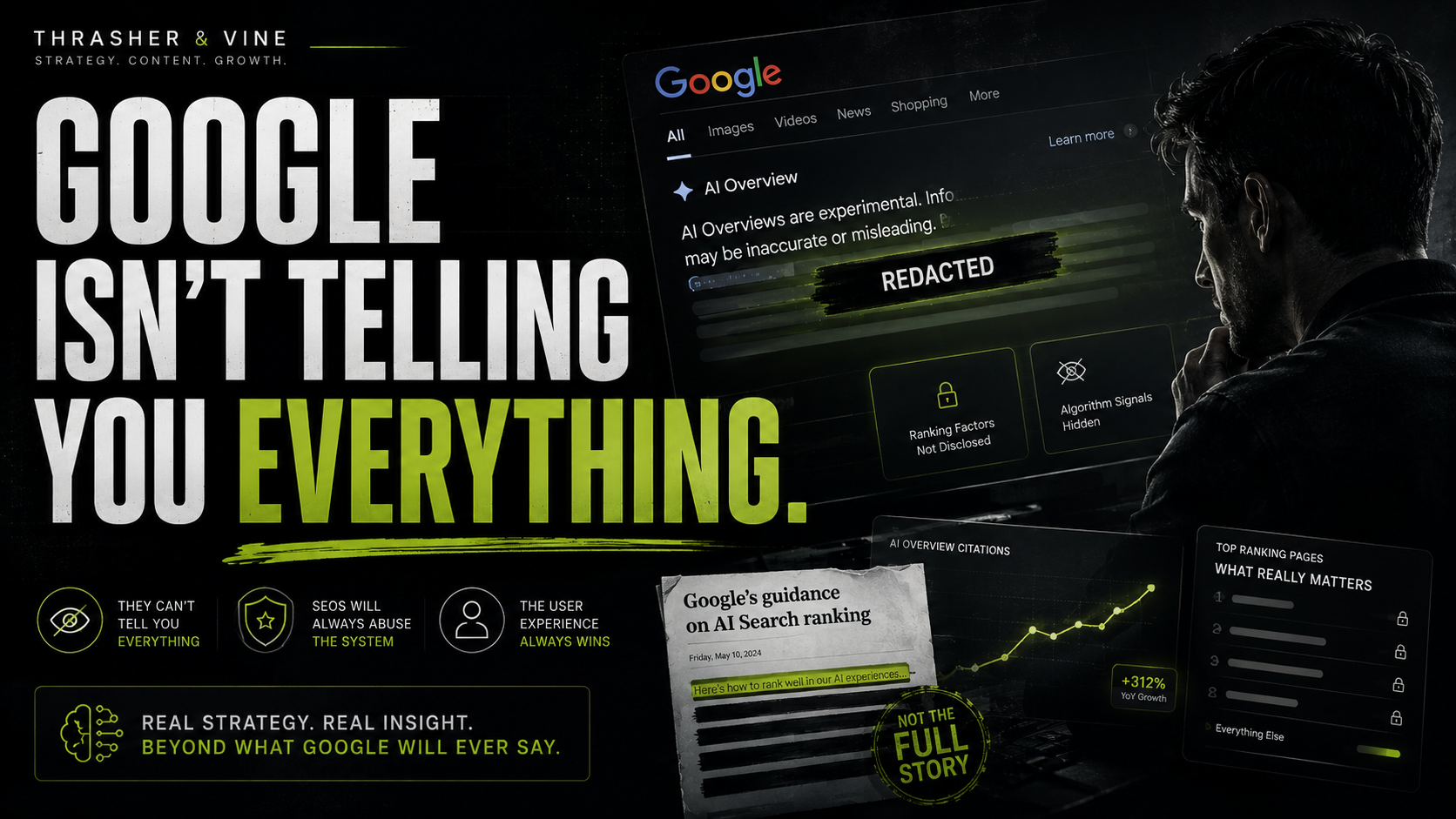
AEO is indeed not dead
These are my recommendations based on Google’s recent guidance on how to rank for AI search…

How We Do SEO, AEO, and GEO for B2B SaaS Companies
The old playbook of running PPC ads for high-intent category terms and building pillared content clusters for impression share no longer works in 2026. That ship has sailed. Brands that recognize this shift are already reaping the benefits of content optimized for LLMs. It’s time for your brand to do the same.
How We Use LLM Query Fanout to Supercharge Your SEO and AEO
Curious about how SEO is evolving? We break down how LLM query fanout helps us create more relevant content and take your AEO game to the next level. Learn how we’re mixing new techniques with traditional SEO to keep you ahead.
.png)
How We Generate Qualified Leads For Our Clients Using Google Ads, SEO, and LinkedIn Ads
Learn how we approach digital marketing from a strategy perspective and how we systematically generate more qualified leads for our clients on a 90-180 day timeline.
.png)
3 Easy Ways to Start Ranking For Your Keywords in 2025
AI Overviews, YouTube Videos & Infographics are today's easiest ways to start ranking for more of your keywords.
.png)
3 Things You Should Do to Ensure Your Website Is Cited in AIOs
These 3 things can exponentially increase the chances of your website ranking in AI Overviews.
.png)
LinkedIn Ads Strategy in 2025: Build Signal-Driven Systems, Not Just Spend
Learn more about how we structure our LinkedIn Ads for B2B brands looking to tap into strong demand generation motions.
.png)
What Is Off-Page SEO? (And Why It's More Important Than Ever)
Learn more about how to significantly increase your chances of being chosen by the AI answers by building brand mentions.
.png)
What Is Technical SEO (and Why It’s Crucial for AI‑Ready Sites with llms.txt)
Learn more about a crucial txt file that your business website needs for AI to see it and reference it in it's answers.
.png)
What Is On-Page SEO (and Why It’s Essential in an AI-First World)
Learn more about on page SEO and how it is different from regular content marketing.